
One task
Form → notification
A new enquiry arrives in your messenger.
+ others
See how it worksLess routine. More done.
From a single notification to a process that connects your business.
A new enquiry arrives in your messenger.
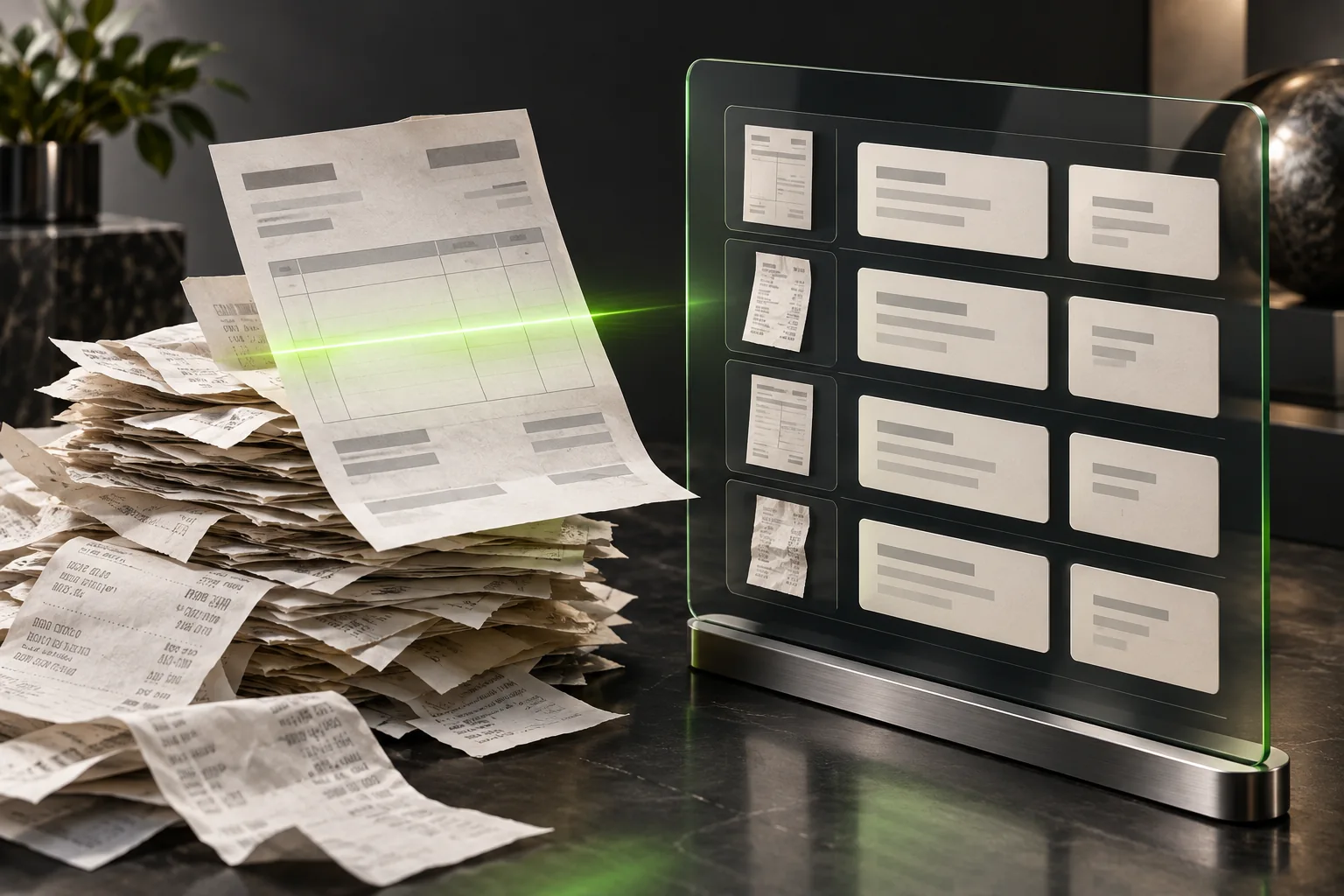
Invoices and PDFs without manual retyping.

Approved posts go out on schedule.

A contact, an owner and the next step.

Costs, leads and sales in a scheduled report.

Photos and descriptions become pages for review.

Your shop, stock and delivery work together.

A solution shaped around your business.
Illustrated solution concepts. Adapted to your tools. Choose the services you need. We check compatibility and access before starting.
Automation
A quote for your task, after a short conversation.
An enquiry may need to reach your working system. A document may need to move to the next person. A repeated update may be ready for a clearer rule. The useful starting point is the result you need, not a list of tools to connect.
If a form says “sent” but you cannot find the enquiry, start by establishing what is known. A review follows one route, identifies the last confirmed step and sets out any supported explanation or missing evidence.
You receive a written finding and the next check needed. This does not change settings, send test submissions or resend old enquiries. If the cause is already established, there is no need to repeat the diagnosis before discussing a repair.
A repair can focus on one existing form, one receiving system and one action, such as creating or updating an enquiry record. Keeping the site and the tools that work avoids turning a connection problem into an unrelated rebuild.
The work includes the necessary change, checks of a normal submission and handling agreed cases of missing, repeated, invalid or delayed submissions. An unclear outcome needs checking before another attempt creates a second record. The repair does not include replacing the CRM, adding every channel or recovering the full history of missing enquiries.
Some work follows a clear rule; other work still needs a person’s judgement. A review of a repeated step identifies the information it uses, the exceptions and whether an existing feature could do the job.
Its result is a recommendation, not a live automation. The next step might be a setting change, a limited pilot, a clearer manual process or no change at all. Frequency and saved time need evidence; they are not assumed.
Document transfers, reporting and preparing material for publication are other possible tasks to discuss. They do not have to begin with a broken form. Each needs a clear starting point, an intended result and a person responsible when something cannot be completed.
A scenario with a contact, a deal and a reminder describes several outcomes. It is not one feature automatically included in every repair. These process examples explain an approach; they do not prove a delivery or a measured result.
We need to see the result where it matters—for example, the correct record in the receiving system. A success message from an intermediate service is not enough. Receiving a request also does not mean someone has read or answered it.
The chosen work needs a plan for errors, uncertain outcomes and later changes. We first check that the required operation is supported and permitted in your tools. If it is not, a new app does not remove that restriction.
Describe where the information starts, where it should go and what is happening now. Please leave out passwords, access tokens and customer records.
The scope, cost and timing depend on that task. Any outside service charges and continuing support need to be clear before work starts. A written question is enough to begin.

Yes. A new-lead notification is one possible starting point. More connections can be added later.
We check available APIs, permissions and system limits before agreeing the work.
We agree this in advance for publishing, uncertain data or consequential actions. Exceptions go to the responsible person.
No, not every project needs one. A separate review makes sense when an important question is still unanswered and should end with a clear finding or next step; a pilot tests a limited version of a solution, and neither means a full system is ready. What a paid stage covers and what it costs need to be agreed first.
We can discuss the change before adding it: it may affect the work, access, checks, price or dates—even if it looks like a small button. An extra feature is different from fixing something that fails the agreed requirements. The agreed terms need to make that distinction clear; neither an extra charge nor unlimited free changes should be assumed.
That should be settled before work starts: someone needs to own content updates, access and the response to problems. Handover, regular maintenance, incident support and new features are different responsibilities. Any support period, response time and cost need to be written down; ongoing support is not automatically part of the initial build.
A new enquiry arrives in your messenger.
Choose Telegram bot messages or email for incoming requests. We can also save them to a spreadsheet.
Invoices and PDFs without manual retyping.
Email or Google Drive as the source, Google Sheets as the result. Document formats and access are agreed first.
Approved posts go out on schedule.
Instagram Professional, Facebook Pages, LinkedIn or a Telegram channel. Approved content only; account roles and platform permissions are required.
A contact, an owner and the next step.
HubSpot or Pipedrive: a contact, deal and next action. We check other CRM systems through their APIs.
Costs, leads and sales in a scheduled report.
Google Ads and sales data as sources, Google Sheets as the report; optionally add GA4. Advertising account and data access are required.
Photos and descriptions become pages for review.
Choose WordPress, Shopify or WooCommerce. We prepare drafts from your catalog; publishing follows review.
Your shop, stock and delivery work together.
Shopify or WooCommerce, a tracking sheet and Telegram notifications. We check stock and shipping services separately.
A solution shaped around your business.
Your services, APIs and webhooks. We first check supported actions, restrictions and your process rules.