

Skip to content
InfraCortex

Less routine. More done.

What would you like to automate?

From a single notification to a process that connects your business.

Discuss your task

Illustrated solution concepts. Adapted to your tools. Choose the services you need. We check compatibility and access before starting.

Automation

What will it cost?

A quote for your task, after a short conversation.

  • The services to connect
  • The quality of your source data
  • The checks and exceptions to handle
Discuss your task

From task to launch

  1. Show us what you do manually
  2. Agree the solution and quote
  3. Build, test and launch
Discussing a work task using a laptop, a checklist of manual steps and documents.
Show us the work you do by hand. We start there.

Before we start

Can I start with one small task?

Yes. A new-lead notification is one possible starting point. More connections can be added later.

Can you connect my tools?

We check available APIs, permissions and system limits before agreeing the work.

Where is human approval needed?

We agree this in advance for publishing, uncertain data or consequential actions. Exceptions go to the responsible person.

Do we have to start with a paid review or pilot?

No, not every project needs one. A separate review makes sense when an important question is still unanswered and should end with a clear finding or next step; a pilot tests a limited version of a solution, and neither means a full system is ready. What a paid stage covers and what it costs need to be agreed first.

What if we want to add something later?

We can discuss the change before adding it: it may affect the work, access, checks, price or dates—even if it looks like a small button. An extra feature is different from fixing something that fails the agreed requirements. The agreed terms need to make that distinction clear; neither an extra charge nor unlimited free changes should be assumed.

Who looks after it once the work is handed over?

That should be settled before work starts: someone needs to own content updates, access and the response to problems. Handover, regular maintenance, incident support and new features are different responsibilities. Any support period, response time and cost need to be written down; ongoing support is not automatically part of the initial build.

Scenario details

Form → notification
A website form beside a phone displaying a new-message notification.
One task

Form → notification

A new enquiry arrives in your messenger.
Possible integrations

Telegram Gmail Google Sheets

Choose Telegram bot messages or email for incoming requests. We can also save them to a spreadsheet.

What starts it
A customer submits your website form.
What you get
A message arrives with the contact and enquiry details.
Where a person checks
A manager replies; undelivered notifications are flagged for review.
Discuss this automation
Documents → records
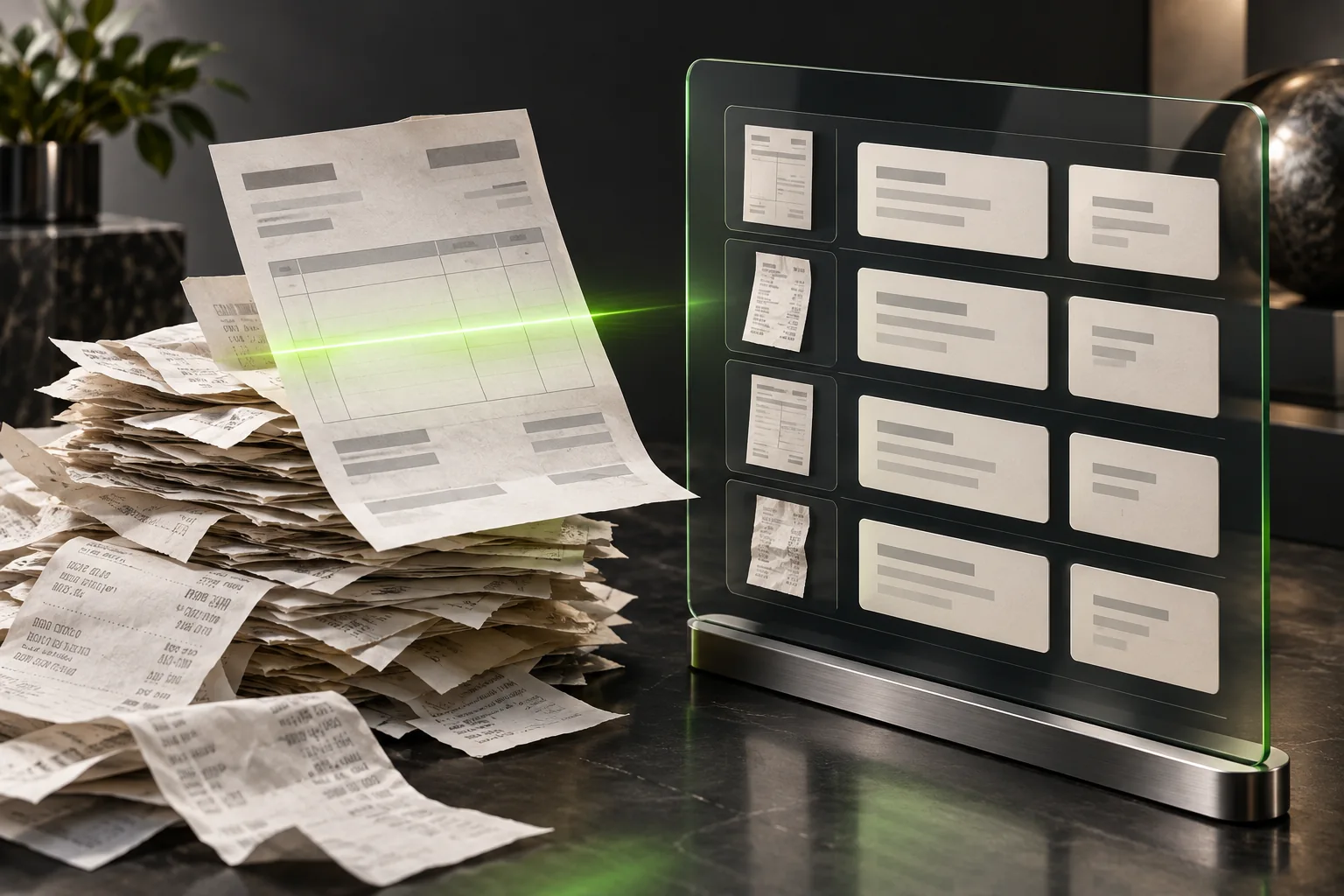
Paper invoices under a scan beam beside an organised records table.
One task

Documents → records

Invoices and PDFs without manual retyping.

Possible integrations

Gmail Google Drive Google Sheets

Email or Google Drive as the source, Google Sheets as the result. Document formats and access are agreed first.

What starts it
A file arrives by email or in an agreed folder.
What you get
Required fields are collected in a table or records system.
Where a person checks
Unclear or incomplete data is routed to a reviewer.
Discuss this automation
Content → scheduled posts
A calendar with photo posts and a clock for scheduled publishing.
Several systems

Content → scheduled posts

Approved posts go out on schedule.

Possible integrations

Instagram Facebook Pages LinkedIn Telegram

Instagram Professional, Facebook Pages, LinkedIn or a Telegram channel. Approved content only; account roles and platform permissions are required.

What starts it
Your content plan has a text, image and date.
What you get
Posts reach the agreed channels with visible publication status.
Where a person checks
An editor approves the content before publishing.
Discuss this automation
Enquiry → CRM follow-up
A CRM board with contact cards and a follow-up clock on the selected card.
Several systems

Enquiry → CRM follow-up

A contact, an owner and the next step.

Possible integrations

HubSpot Pipedrive Gmail

HubSpot or Pipedrive: a contact, deal and next action. We check other CRM systems through their APIs.

What starts it
A new lead arrives from a form or campaign.
What you get
A CRM card is created with an owner and a follow-up reminder.
Where a person checks
A manager reviews duplicates and unusual enquiries.
Discuss this automation
Ads and sales → one report
An advertising panel and sales receipts feed a combined report on a laptop.
Several systems

Ads and sales → one report

Costs, leads and sales in a scheduled report.

Possible integrations

Google Ads Google Analytics 4 Google Sheets

Google Ads and sales data as sources, Google Sheets as the report; optionally add GA4. Advertising account and data access are required.

What starts it
A scheduled reporting period ends.
What you get
Agreed data sources feed a report delivered to your team.
Where a person checks
Metric definitions, missing data and discrepancies are checked before conclusions.
Discuss this automation
Catalog → page drafts
A product, its photo and a laptop displaying a draft product page.
Built around you

Catalog → page drafts

Photos and descriptions become pages for review.

Possible integrations

WordPress Shopify WooCommerce Google Drive

Choose WordPress, Shopify or WooCommerce. We prepare drafts from your catalog; publishing follows review.

What starts it
A product or new offer is added to your catalog.
What you get
A page draft is prepared using an agreed template.
Where a person checks
A person checks the facts and design before approving publication.
Discuss this automation
Order → dispatch
A parcel beside a shipping-label printer and warehouse shelving.
Several systems

Order → dispatch

Your shop, stock and delivery work together.

Possible integrations

Shopify WooCommerce Google Sheets Telegram

Shopify or WooCommerce, a tracking sheet and Telegram notifications. We check stock and shipping services separately.

What starts it
An order is placed in your shop.
What you get
Order data reaches stock and delivery systems; status returns to your team.
Where a person checks
A manager checks uncertain stock, addresses and exceptions.
Discuss this automation
Your process. Your rules.
A blueprint, technical pencil and fitted modules for a custom solution.
Built around you

Your process. Your rules.

A solution shaped around your business.

Possible integrations

API Webhooks CRM

Your services, APIs and webhooks. We first check supported actions, restrictions and your process rules.

What starts it
Show us a repeated task and the result you need.
What you get
We design the process, connections, rules and controls.
Where a person checks
Together we set automation boundaries and assign exception owners.
Discuss this automation