
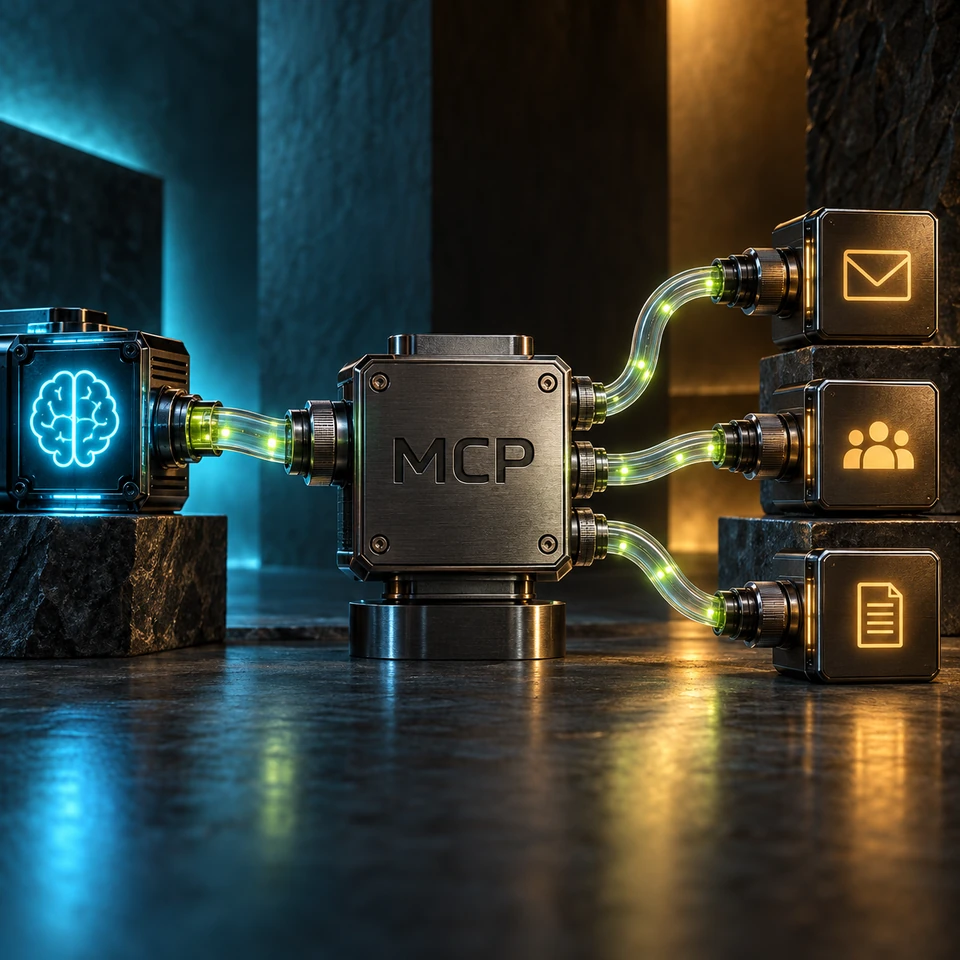
MCP is one way to connect an AI application to tools and information. Built-in connectors and direct APIs are other options. The protocol standardizes how a compatible application discovers and calls a server; useful results still depend on permissions, tool design and source quality.
What Is MCP?
Model Context Protocol defines communication between a host application, its clients and servers exposing capabilities such as tools, resources and prompts. A server can be local or remote. MCP does not replace the underlying service API or decide which business records a user may access. Those controls belong in the application and source services.
How It Works in Practice
For document search, the application can call a server tool, receive permitted results and use them in an answer. Define the query inputs, source identifiers and error responses. For a write action, separately check authorization and any required confirmation before committing. A successful tool call does not prove that the generated answer interpreted the result correctly.
Why Google Apps Script as the Bridge?
Apps Script is an optional bridge for Google workflows, not part of MCP itself. It can use Google services on Google's infrastructure, but the web app's execution identity, OAuth scopes and quotas still need design. Compare it with an existing connector or direct API integration. Select it when its runtime and support model fit the workload.
What You Can Build With MCP
Useful tools can search approved procedures, read selected table ranges or prepare a calendar change for review. Keep their scope explicit: reading a table is different from updating it, and drafting a message is different from sending it. Return identifiable sources and freshness information where available. Do not assume every connected service supports every action.
From protocol support to operational readiness
Evaluate operational readiness rather than assuming widespread adoption makes a server suitable. Check authentication, revoked access, unavailable sources, repeated requests and quota failures. Record where data travels: a local server may still supply information to a cloud model. Assign an owner who can disable a faulty tool and restore the previous configuration.
Getting Started
Begin with a bounded read workflow and test it with the intended user's permissions. Compare MCP with the alternatives linked below before expanding to actions. The public case is project context, not a published performance benchmark: its measurement protocol is not available here. Set your own acceptance criteria and retain the test results.