MCP vs Direct API Integration: When to Use What
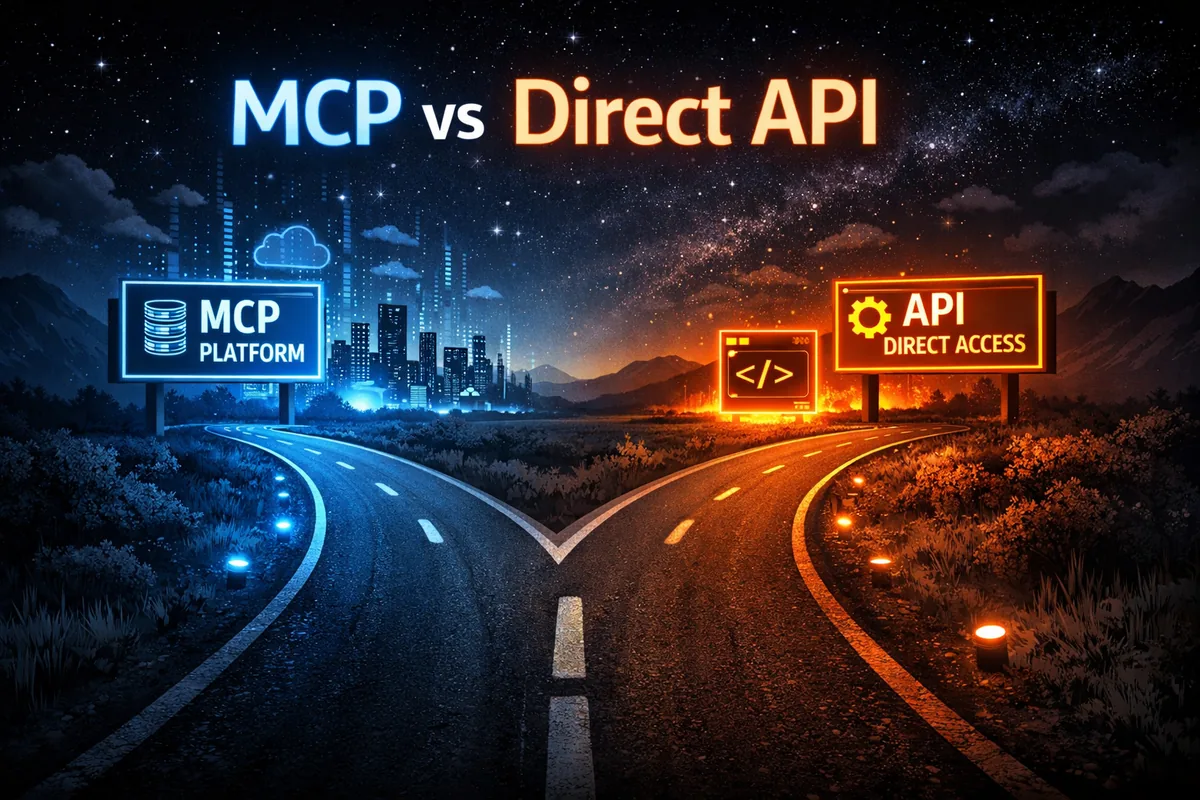
MCP (Model Context Protocol) is everywhere in 2026. OpenAI, Google, Microsoft, and Anthropic all support it. Every AI conference features it. The hype is justified — MCP genuinely simplifies how AI connects to business tools.
But not every integration should go through MCP. Here’s how to decide.
What MCP Does Well
MCP excels at connecting AI assistants to data sources through natural language. Instead of building custom API clients, you define tools that the AI can call conversationally.
The sweet spot: when a human is in the loop, asking questions and getting answers. “What’s on my calendar tomorrow?” “Find the latest pricing document.” “Update the status in the tracker.” These interactions are perfect for MCP because the AI interprets intent, selects the right tool, and presents results in context.
Our production setup runs 36 MCP functions across Google Drive, Sheets, Calendar, Gmail, and local filesystem. A CEO asks a question in plain language and gets an answer pulled from real company data. No coding, no dashboards, no switching between apps.
Where Direct API Wins
Direct API integrations are better when you need automation without human involvement, high-volume data processing, real-time event-driven workflows, precise error handling and retry logic, or guaranteed execution order.
Example: syncing 500 rows from a CRM to a spreadsheet every hour. MCP could technically do this, but a simple Apps Script trigger or n8n workflow does it more reliably, faster, and without consuming AI tokens.
Another example: sending automated email notifications when a calendar event is created. This is a simple event→action pipeline. No AI reasoning needed.
The Decision Framework
Ask three questions about each integration:
1. Does a human need to interpret the result? If yes → MCP. The AI adds value by understanding context and presenting information naturally. If no → Direct API. Just move data from A to B.
2. Is the input unpredictable? If yes → MCP. Natural language queries vary infinitely. MCP handles this by letting the AI decide which tools to call and how. If no → Direct API. If the input is always the same (a scheduled job, a webhook trigger), you don’t need AI to figure out what to do.
3. Do you need it to work without supervision? If yes → Direct API. Automated pipelines should run without someone watching. MCP is designed for interactive use. If no → MCP. Human-in-the-loop workflows are MCP’s home turf.
The Hybrid Architecture
In practice, most companies need both. Here’s the pattern we use:
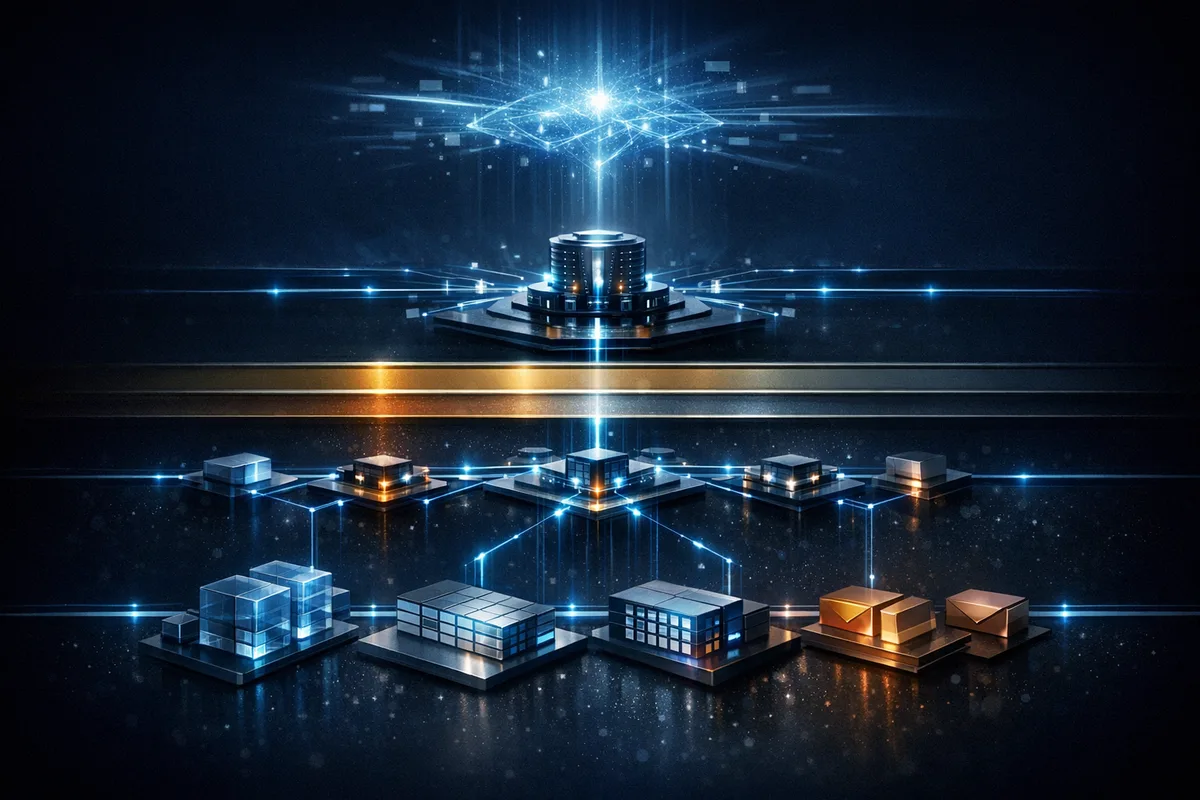
MCP layer handles interactive queries — the CEO asking about margins, an employee searching for a template, a manager checking project status. These go through Claude + MCP to Google Workspace.
Automation layer handles repetitive tasks — daily data syncs, scheduled reports, event-triggered notifications, backup routines. These run through Apps Script triggers or n8n workflows.
Knowledge base sits underneath both — the structured data that both layers access. Whether a human asks through MCP or an automation script pulls data directly, they’re reading from the same source of truth.
Cost Comparison
This matters more than most people think.
Every MCP call goes through an AI model. That means token costs. For a simple “read cell A1 from Sheet X” operation, MCP involves sending context, the AI deciding which tool to call, executing the call, and formatting the response. That might cost $0.01-0.05 in tokens.
A direct API call to Google Sheets costs effectively nothing.
For 10 interactive queries a day from a CEO, MCP costs are negligible and the value is enormous. For 10,000 automated data operations a day, MCP would be absurdly expensive.
Common Mistakes
Over-MCPing: Routing every integration through MCP because it’s trendy. If nobody’s reading the output in real-time, you don’t need AI in the loop.
Under-MCPing: Building custom dashboards and search interfaces when MCP + AI could handle the same queries conversationally with less development time.
Mixing layers: Running automated jobs through the same MCP server that handles interactive queries. This creates contention and makes debugging harder. Keep the layers separate.
Our Stack in Practice
For a typical enterprise client, the architecture looks like this:
Interactive layer: Claude Desktop → MCP Server (Node.js) → Google Apps Script → Google Workspace. Used by humans, 10-50 queries per day.
Automation layer: Apps Script triggers / n8n workflows → Google Workspace APIs directly. Runs on schedule, handles hundreds of operations per day.
Both layers read from and write to the same Google Workspace environment. The knowledge base is the shared foundation.
The Bottom Line
MCP is transformative for human-AI interaction. Direct APIs are better for machine-to-machine automation. The best architectures use both, with clear boundaries between interactive and automated workflows.
Don’t let the hype push you into using MCP where a simple cron job would do. And don’t build complex API integrations where MCP could give your team natural-language access to their data in days instead of months.
For a general introduction to the protocol, see MCP Explained. For a hands-on guide to setting up the Google Workspace connection, check How to Connect AI to Google Workspace.
Building an AI integration architecture? Our AI Assistant Setup covers MCP deployment in 1-2 weeks. Book a discovery call and we’ll map the right approach for your stack.