
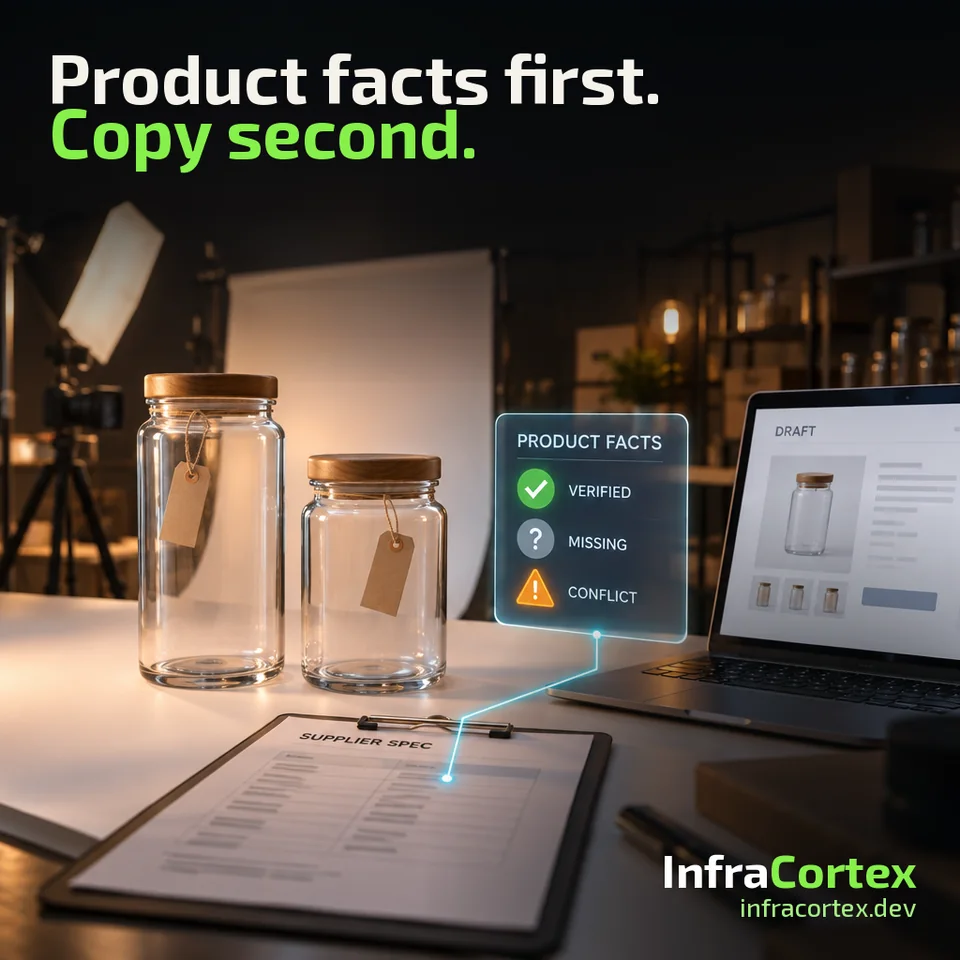
An illustrative example. An online homeware shop receives a price list as a spreadsheet and specifications as PDFs from a supplier. One product comes in two variants: 500 ml and 1 l. A manager asks an AI model to write a description from the product name and photo. The model produces smooth copy that mentions a "natural material" and "eco-friendly packaging". Neither appears in any of the supplier's files: the photo simply shows a kraft box. The model takes the volume from the larger variant's name and puts it into the description of both.
The copy reads well, and that is exactly why the error is easy to miss. And it will later have to be corrected on every product card the copy has already reached.
Below are five steps worth going through before you write the prompt.
Step 1. Identify the exact product and variant
A shared name is not enough when variants differ in size, pack quantity or compatibility. "Storage container, clear" can mean five different products. If a description is written for one of them from another one's data, the error will look like plausible copy.
Link the product in your catalog to the supplier record by the supplier's SKU or code and by the variant's attributes, not by name. Each variant has its own attribute card, even if their descriptions are almost the same.
Step 2. Agree which source owns each attribute
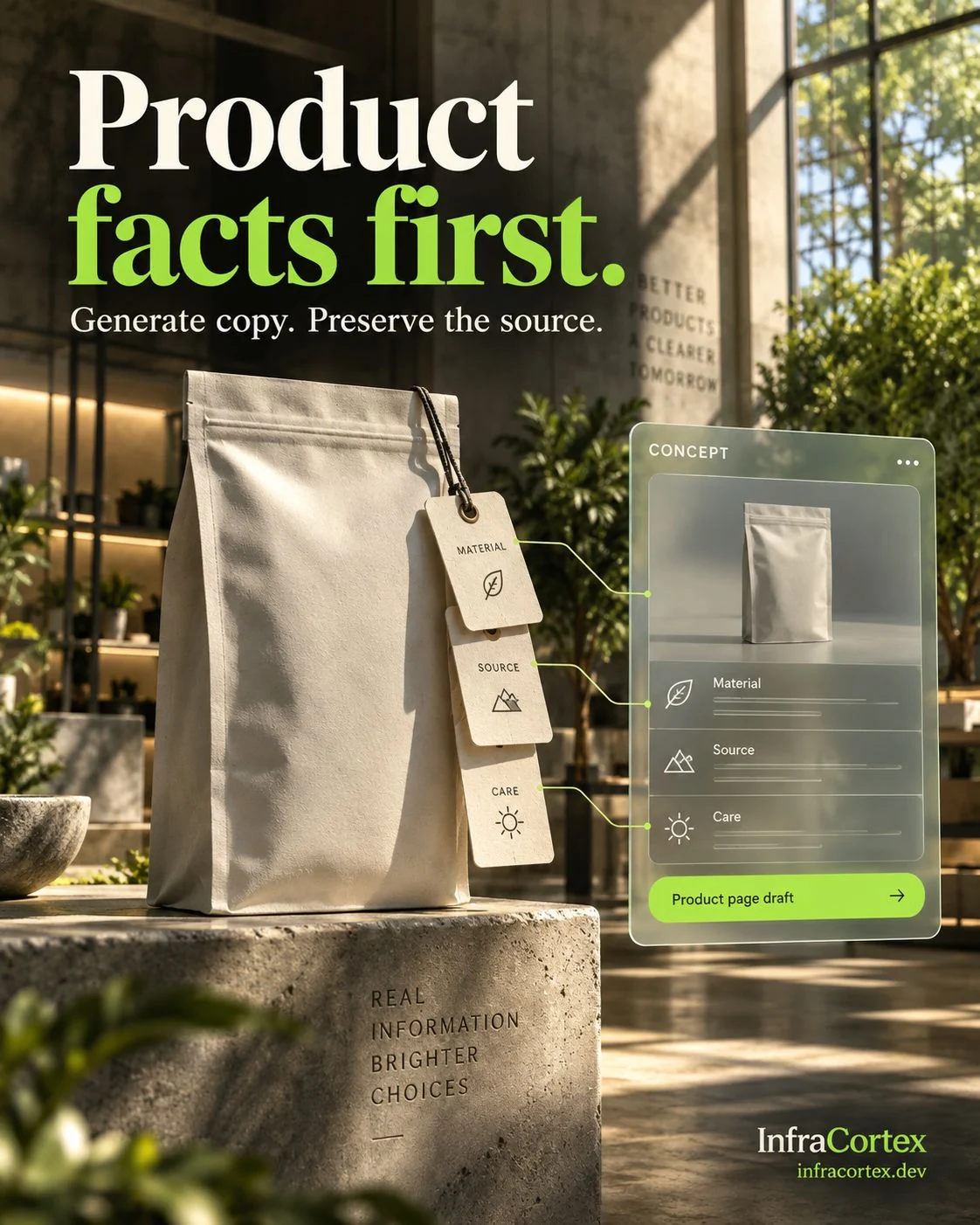
Different attributes can come from different sources. Dimensions and weight may come from the specification, composition from the label or a certificate, pack quantity from the price list. Agree in advance which source is authoritative for each attribute and what to do when sources disagree.
Next to the value normalized to your format, keep the original: the supplier file, its revision or the date it was received, and the value as it was written there. For example, the specification says "1 l", while the catalog's "volume" field stores "1000 ml". The reviewer needs to see both values and the place the first one came from. We covered in detail how to keep the provenance of every field when transferring data from documents in our article on document data with evidence.
Step 3. Separate confirmed, missing and conflicting
Every product attribute should have one of three statuses:
- confirmed — the value is in the authoritative source for that attribute;
- no data — none of the accepted sources has a value;
- conflict — the sources give different values.
Do not infer a material, country of origin or certification from a photograph or a similar product. If the supplier's files do not say it, the attribute gets the "no data" status, even when the answer seems obvious.
A conflict is resolved by the person responsible for the catalog: an assortment manager or a content manager. They choose the value or ask the supplier for clarification, and record their decision. Until there is a decision, the attribute does not go into the description.
Step 4. Write copy only from accepted attributes
The model receives only confirmed attributes as input, and separately the style requirements: tone, length, structure. The product name, photos and descriptions of similar products must not become a source of facts.
A polished sentence must not quietly add a new specification. "Dishwasher safe", "BPA-free", "frost-resistant" are all facts about the product, not decoration. If no such attribute is among the confirmed ones, it must not appear in the copy either.
Part of the check can be automated: for example, searching the copy for numbers, units of measure and terms that are not among the attributes. But the final review of factual claims is done by a person.
Step 5. Review claims before export and when a source changes
Before a description goes to the website or a marketplace, the reviewer checks the copy's factual claims against the attributes. It is easier for them to see both side by side: the sentence and the attribute, with its source, that it relies on.
Sources change: the supplier sends a corrected specification, or changes the composition or packaging. Then the descriptions built on the previous data are flagged for re-review. Old copy should not be treated as permanent truth just because it has already been published. A reference to the file revision on each attribute helps you find exactly the affected product cards instead of re-checking the whole catalog.
How to test on a small set
Start with one product category and deliberately assemble an awkward test set:
- two similar variants of one product;
- a product with a missing attribute;
- two supplier files that contradict each other;
- a corrected specification that arrives after the description is already done.
The acceptance question is not only whether the copy reads well. What matters is whether a reviewer can trace each claim back to the right product and the right source. If they can, the automation will also be useful to whoever maintains the catalog next month.
Checklist
- The catalog product is linked to the supplier record by SKU and variant attributes, not by name.
- Each attribute has an authoritative source and a rule for when sources disagree.
- Next to the normalized value, the supplier file, its revision and the original value are kept.
- Each attribute has a status: confirmed, no data or conflict.
- Material, origin and certifications are not inferred from photos or similar products.
- Conflicts are resolved by a named owner, and the decision is recorded.
- The model receives only confirmed attributes, and the style requirements separately.
- Before export, the copy's factual claims have been checked against the attributes.
- When supplier data changes, the affected descriptions are flagged for re-review.
- The test set includes similar variants, a missing attribute, conflicting files and a corrected specification.
Where to start
Choose one category where description errors cost the most or recur most often. List its attributes, assign each one an authoritative source and go through the five steps on a small set of products, including the awkward cases from the test set. If you need supplier photos and descriptions to become page drafts for review, take a look at the "Catalog → page drafts" scenario on the process automation page.
If your team keeps correcting the same product fields across different files, tell us on Telegram (@infracortex_studio) where the source of that data lives today.