

After a few years a CRM collects every problem at once: one customer spread across three records, an empty "industry" field, the same company listed as "Acme Ltd", "Acme" and "Acme Trading". It is tempting to hand all of this to a model and let it find the duplicates, fill the gaps and tidy things up.
A model really can help. But if it writes straight into the live database, you do not get a clean CRM. You get a CRM in which the errors look tidy. Nobody notices a wrongly filled field, and a bad merge can hide someone else's deal.
A workable setup separates three steps: the model suggests, rules check, and the change is accepted by a rule or by the person responsible. Below we look at how to set this up on a database you have already built up. We covered how to get a new enquiry into the CRM without losing it in our article on the gaps between a web form and the CRM. This article is about the data already in the system.
What the model does, what rules check and what a person decides
Models are good at tasks that involve reading unstructured text:
- pulling the company name and job title out of an email signature;
- suggesting a customer's industry or category from the description of their enquiry;
- splitting a sales rep's free-text comment into fields;
- finding pairs of records that look alike.
All of these are suggestions. Whether a suggestion becomes data is decided by rules that do not depend on the model and behave the same way every time:
- which fields may be written to automatically at all;
- which values are allowed, for example a category only from an approved list;
- which fields are mandatory, and in what format;
- who or what is allowed to change a particular field;
- which status transitions are permitted.
Where a rule does not give a clear answer, you need a named person, not "the sales team in general". For example, the head of sales decides disputed customer merges, and the CRM administrator looks after the reference lists. If nobody is responsible, disputed cases pile up and the review queue becomes one more place where work gets lost.
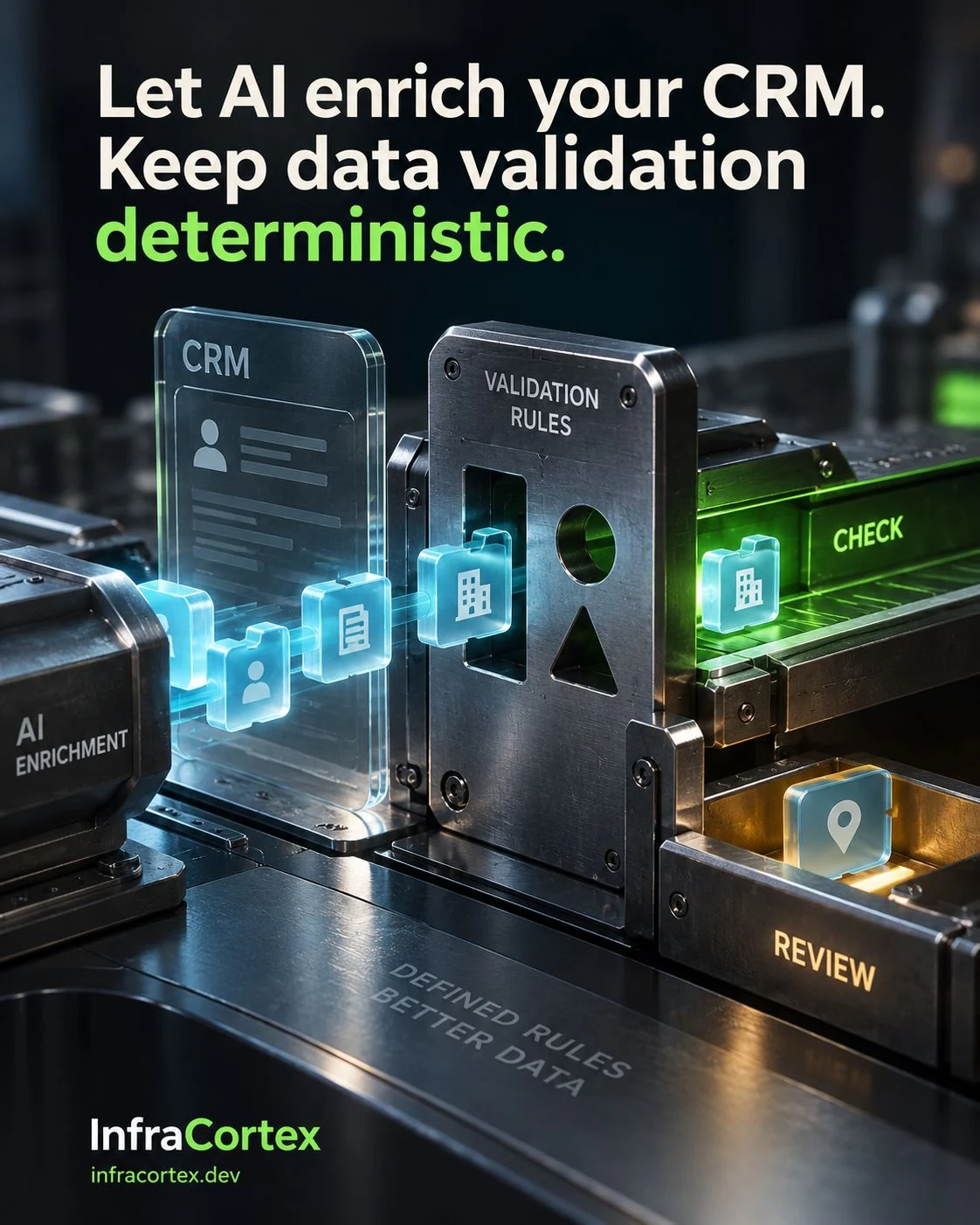
The suggested value is stored separately from the accepted one
This is the key decision: the model's suggestion is not written into the record's main field. It is stored alongside it, with its own status.
What to store with a suggestion
- the value itself;
- the source: the email, document or comment it was taken from;
- when the value was extracted;
- who suggested it: a model with a specific configuration, a rule or a member of staff;
- the status: suggested, accepted, rejected, conflict;
- who made the decision, and when.
That way you can always see where a value in a record came from. You can also improve extraction without inadvertently changing the rules that decide whether a record is correct.
Verified values are not overwritten
If a value has already been confirmed, for example the company's legal name has been checked against the contract, a new suggestion from the model should not replace it. If the two differ, keep both values and flag a conflict for review. Otherwise the next enrichment run will quietly undo a person's work.
The right format does not make it true
A rule checks form, not fact. A category can come from the approved list and still be wrong for this customer. A plausible company name will pass any text-field check and may still belong to a different legal entity with a similar name. If a decision depends on the fact (a discount, a contract, a report), check it against a reliable source or pass the question to the person responsible. If it cannot be confirmed, the value stays unknown.
That gives you two mandatory tests. In the first, the value breaks a rule: the category is not on the list or the format is wrong. In the second, the value looks right but nothing confirms it. Neither should become accepted data, but the reasons for rejecting them differ, and the system should show which one applies.
Finding a duplicate and merging records are different decisions
A model can find records that look similar. But whether two records describe the same thing is decided by a business rule, not by a text similarity score.
We explained why a person, a company, an enquiry and a deal are different objects in our article on enquiries and the CRM. For cleaning up an existing database that is not enough: the merge rules have to be agreed before the automation starts merging anything.
Questions to answer in advance
- Which attributes prove a match for each record type? For a company, it might be the registration number, if you store it. For a contact, a confirmed personal email address, but not a shared mailbox such as info@.
- Which matches only create a candidate for review: a similar name, a shared office address, the same email domain?
- Who decides when the attributes contradict each other?
- Which field values survive a merge, and from which record?
- What happens to linked tasks, emails, the assigned account manager and open deals?
A match is one decision, the action is another
A matching rule finds possible duplicates. What to do with them is a separate decision, and the options have different consequences: warn the sales rep, block the save, merge automatically, or keep both records and put the pair in a review queue. For uncertain matches the last option makes sense: show the attributes side by side and leave the records alone until the person responsible decides.
Whenever records are merged, keep the original IDs and the history: which records were merged, under which rule and who confirmed it. Then the decision can be traced, and if it was wrong you know exactly what to restore.
Example: same contact, two projects
An illustrative example. A purchasing manager at a distributor gets in touch in the spring about an equipment supply, and in the autumn about a service contract for a different branch. One contact, two different projects. If the clean-up decides that the same person at the same company means a duplicate, the second deal is absorbed into the first and nobody works on it.
So you need at least three merge tests:
- One person came in through two channels. The system should recognise the existing contact.
- The same person has started a genuinely new project. The new deal should be kept.
- Two different people with similar names, for example colleagues at the same company who share a surname. Their records should stay separate.
A system that fights duplicates by merging real customers into one has failed the other half of its job.

How to tell that the clean-up is not making things worse
Start with a pilot in which the model only suggests, and a person or a rule does the writing. That way you see the quality of the suggestions before they reach live data.
The main metric at this stage is the rate of wrongly accepted changes: how many accepted values and merges later turned out to be wrong. To calculate it:
- regularly take a sample of accepted decisions and ask the person responsible to check them again;
- for every correction, record the reason: wrong source, poor rule, mistake during manual review;
- count fields and merges separately, because a wrong industry and wrongly merged customers cost you in different ways;
- keep an eye on the review queue: how many items it holds and how long they wait.
Do not judge the clean-up by the number of duplicates removed: that metric rewards unnecessary merges. What error rate is acceptable, and when automatic acceptance can be switched on for a particular type of change, is decided by the process owner before the pilot, not on the strength of its results.
Checklist before automatic writes
- For every field, it is known whether it can be written to automatically.
- Model suggestions are stored separately from accepted values, together with their source and time.
- Confirmed values are protected from being overwritten, and conflicts are kept for review.
- For each record type, it is written down which attributes prove a match and which only create a candidate.
- An action is chosen for a detected match: warning, block, merge or review.
- It is written down which values survive a merge and what happens to linked tasks and deals.
- Merge history and original IDs are preserved.
- Tests passed: rule violation, unconfirmed value, two channels, new project, colleagues who share a surname.
- Someone is responsible for disputed cases, and it is clear how often they work through the queue.
- It is defined how the rate of wrongly accepted changes is calculated and what level is acceptable.
Where to start
Pick one record type and one problem: for example, duplicate companies or an empty "industry" field. Write down the rules for that case and switch the model on in suggestion mode, without writing to the live database. At the end of the first agreed period, look at how many suggestions were accepted, how many were rejected and how many had to be corrected after they were accepted. Extend the automation once those numbers are clear.
If you would like to work through rules like these for your own CRM, tell us about your current database and what in it gets in the way of your work, and we will start with one record type.