
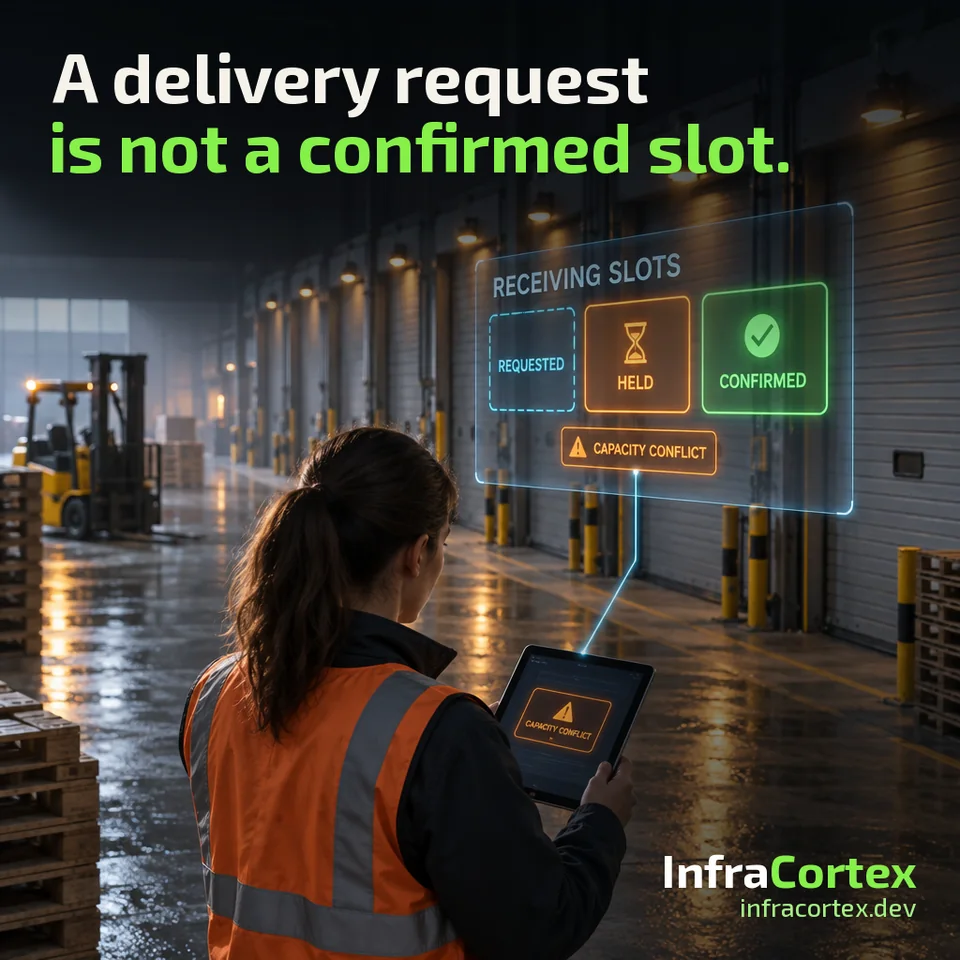
An illustrative example. A distributor has one warehouse with two unloading docks. Suppliers email or message the manager: "we'll arrive on Thursday at ten". The manager notes it in a shared spreadsheet and replies "fine". Two suppliers ask for the same morning, and each request looks fine on its own: the docks are free and the spreadsheet is empty. On Thursday two vehicles arrive at the docks, while the forklift is busy with a third.
What went wrong? A supplier's request turned into a confirmation without any capacity check. And the spreadsheet made no distinction between "the supplier wants to come" and "the warehouse is expecting them".
Five delivery states
Before automating anything, agree on the states and on what moves a delivery from one to the next.
- Requested. The supplier has proposed a delivery and a preferred time. Nothing has been reserved yet.
- Held. Warehouse capacity is temporarily reserved for this delivery, and the hold has a clear expiry.
- Confirmed. The agreed checks have passed, and both sides have the booking reference.
- Arrived. The vehicle is on site.
- Received. The actual receiving result has been recorded.
Two rules follow immediately. Do not mark a delivery received just because its time was confirmed: a confirmed booking describes an intention, receipt describes a fact. And do not promise the same capacity to two requests just because each looked acceptable when it was checked separately.
A temporary hold with a clear expiry
A hold lets the warehouse keep a window open while the details are agreed: the supplier confirms what is being shipped, the manager checks the equipment. But a hold must have an expiry. Otherwise a forgotten hold occupies a dock for weeks, and new requests are refused for no reason.
When the hold expires, the capacity is released and the supplier is told that the window is no longer held. Only a person, or a rule agreed in advance, can extend a hold.
One unit of capacity, one request
The most common place for an error is the check for a free window. If two requests are checked separately, both will see a free dock. So the final check is done by the system that stores the bookings, at the moment of confirmation and against the current state of all bookings, not against a summary prepared earlier.
Capacity is not only the dock. The warehouse may need specific equipment, such as a forklift or a pallet jack, and a team that has time for this delivery. Which constraints to check is the warehouse's decision. What matters is that the system checks them, not the manager's memory.
A conflict goes to an owner, with options
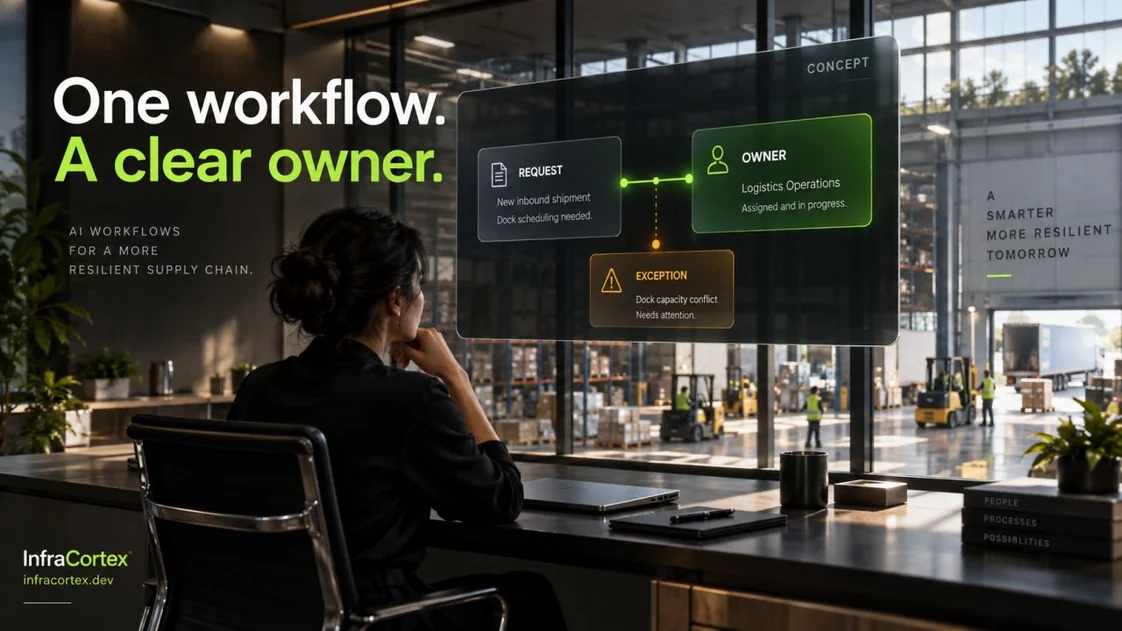
If there is not enough capacity, the request goes to a specific person responsible for warehouse operations. They need to see three things:
- which delivery is requested and when;
- which constraint is in the way: an occupied dock, no equipment, no people;
- which options they can approve: another time, another dock, splitting the delivery.
An AI assistant is useful here as a helper: it can read the supplier's message, extract the requested time and what is being delivered, assemble a summary and suggest options. But it is not the assistant that confirms the booking. The booking rules are enforced by the system of record, and the decision on a conflict is made by a person.
Plan for changes too
The supplier is late, the hold expires, the forklift goes in for repair. Each such change needs a recovery path: the booking is updated, and everyone affected is notified. The supplier learns that the window has moved, the warehouse team learns that the vehicle will arrive later.
Keep the history: who changed the commitment, when and why. A month later, the question "why was this delivery moved?" should be answerable from the record, not from the message thread. The same idea, not losing state when the connection between systems fails, is covered in detail in our article on timeouts when sending an order to the ERP.
"Received" is a fact, not an expectation
The vehicle has arrived, but that is not receipt yet. A delivery becomes received when the actual result is recorded: what was received and in what quantity. If not everything was accepted, that is a separate case, and it should be visible as a partial receipt, not as a normal one.
What to test before launch
Before launch, run four scenarios on a test environment:
- two competing requests for the same window;
- a late supplier;
- a cancelled slot;
- a partial receipt.
And separately check that the screen the warehouse works from and the messages suppliers receive describe the same state. If the screen says "held" while the supplier was told "confirmed", the automation creates the same confusion as the spreadsheet, only faster.
Checklist
- The states "requested, held, confirmed, arrived, received" are defined, and it is known what moves a delivery from one to the next.
- A hold has an expiry; when it expires, the capacity is released and the supplier is notified.
- The final capacity check is done in the booking system at the moment of confirmation, against the current state.
- It is known which constraints are checked: dock, equipment, team.
- Conflicts go to a named owner together with the delivery, the constraint and the options.
- The AI assistant prepares the summary and options but does not confirm the booking.
- When a supplier is late, a hold expires or equipment is unavailable, the booking is updated and everyone affected is notified.
- A history is kept of who changed the commitment, when and why.
- A delivery becomes received only after the actual result is recorded, and a partial receipt is shown separately.
- Competing requests, a late arrival, a cancellation and a partial receipt have been tested on a test environment, and the warehouse screen and supplier messages agree.
Where to start
A sensible first step is one receiving workflow at one warehouse, with agreed rules and an owner who is accountable for conflicts. Describe where deliveries are confirmed today, what constraints the warehouse has and who decides when requests overlap. This describes a proposed automation, not a ready-made warehouse scheduling module.
If you need to connect orders, the warehouse and delivery, take a look at the "Order → dispatch" scenario on the process automation page. And if you want to start with receiving, tell us on Telegram (@infracortex_studio) where your team confirms deliveries today: in a spreadsheet, by email or in a messenger.